Arabic-first ads intelligence for MENA SMBs
Ads intelligence for MENA SMBs. Nothing switches on without you.
Log in now and view a free report on your connected ads. Google Search and Performance Max campaigns are prepared in PAUSED mode today. Meta campaign creation starts after Meta’s review.
The trust spine
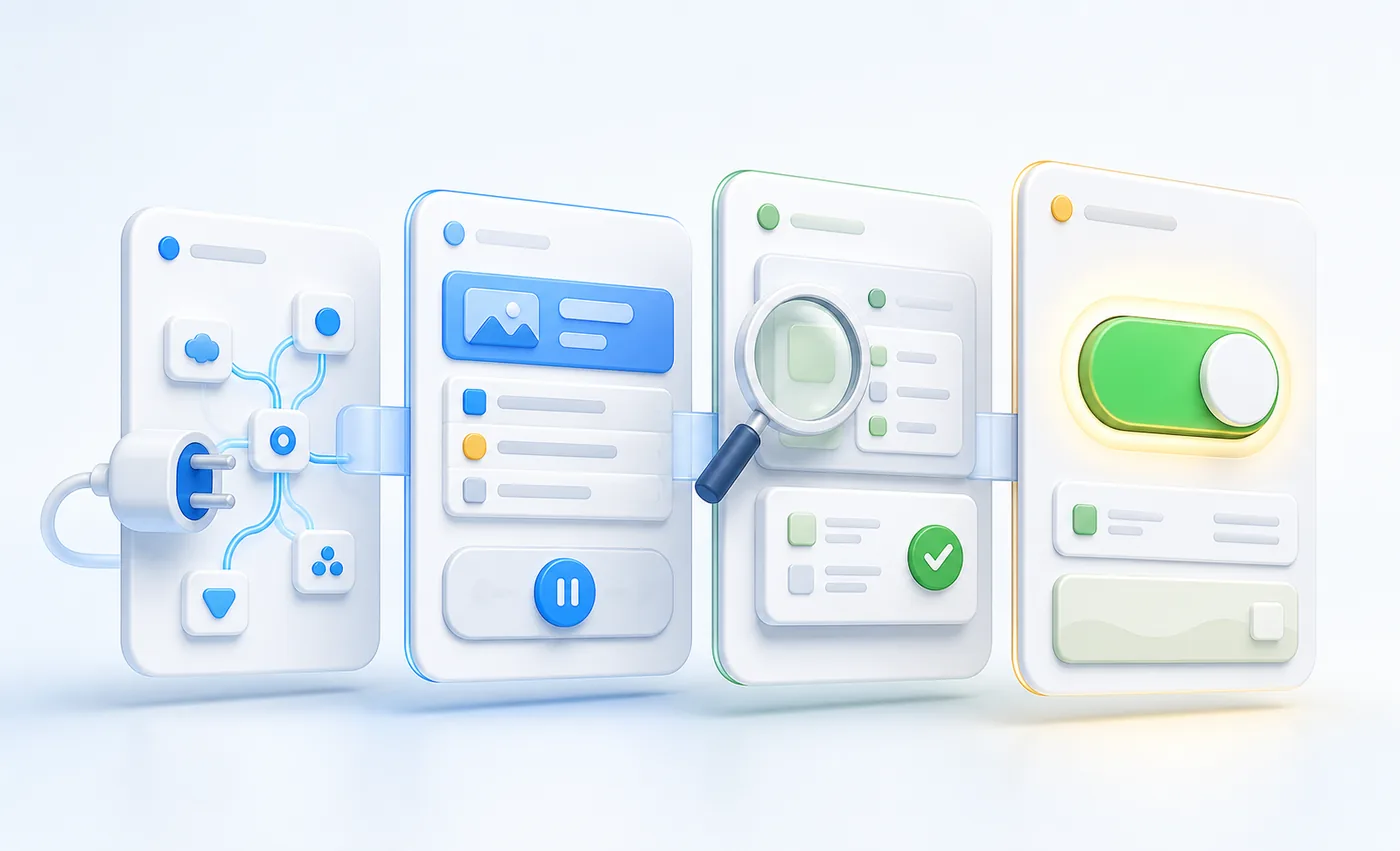
Nothing is turned on
Google campaigns are prepared in PAUSED mode for your review. Meta campaign creation starts only after Meta review. Ads Master never spends on your behalf.
Nothing is estimated
Reports use connected account data and show an unknown state when a live reading is not verified — never a modelled performance number.
Disconnect anytime
Remove access to any connected account whenever you want. There is no lock-in.
Your Business Profile stays yours
We audit and can connect your Google Business Profile, but we never take control of it on your behalf.
What Ads Master does
Connections & measurement
Connect Google Ads, Meta, GA4, Search Console and Business Profile sources, then verify the measurement available from each one.
Reports & optimisation
View the free report, health checks, business facts, conversion labels, keyword reviews, proposals, learning and change history.
Campaigns & creative
Prepare Google Search and Performance Max campaigns in PAUSED mode today, plus proposals and creative review. Meta creation follows after Meta review.
Presence & websites
Work from connected Page, Instagram, brand and website inputs; public Page and Instagram publishing waits for Meta permission.
Workspace & support
Use protected access, file uploads, chat and the contact workflow from the signed-in workspace.
Start with a free report
Log in to view the report from your connected ads, then select any follow-up work service by service.
- A free report on your connected ads
- Google campaign preparation in PAUSED mode today
- Meta campaign creation after Meta review
- Services are paid per service after login; the first report is free
Verified, not just claimed
Ads Master only does what you've connected it to do — every campaign starts paused, every number is read straight from the connected platform, and we never take control of your Business Profile. Here's what's actually verified, not just claimed.
OAuth app verified
Our Google OAuth app, Ads Master, is verified — including branding and the sensitive scopes it requests: Google Ads, Analytics (edit), Search Console, Merchant Center, and Business Profile. Project: adsmastery.
Meta
ads_read approved; publishing pending
Meta has approved ads_read. Page and Instagram publishing still waits for pages_manage_posts and instagram_content_publish review.
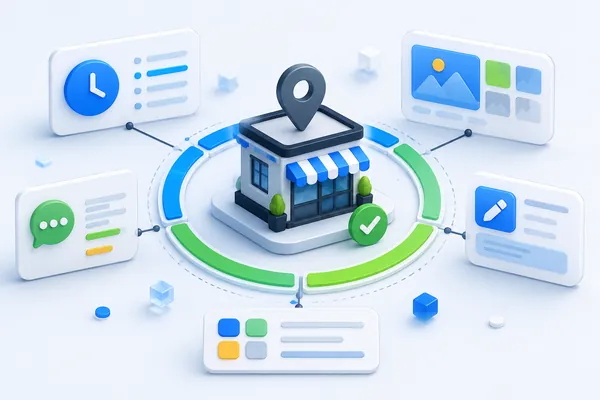
Google Business Profile
APIs enabled with real quota
Business Profile APIs are enabled on a real, working quota — not a sandbox or trial allocation.
Security posture
- Tokens encrypted at rest
- 7-day sessions
- CSRF protection everywhere
- Per-business isolation
- No spend path
- 1,700+ automated tests
Common questions
Does Ads Master spend my ad budget automatically?
No. Every campaign Ads Master builds starts in paused mode. You review it and switch it on yourself — Ads Master never turns on spend on your behalf.
Which platforms can Ads Master connect to?
Google Ads and Meta (Facebook, Instagram, WhatsApp) for campaigns, Snapchat for account access, and GA4, Search Console and Google Business Profile for reading performance data.
Can I disconnect my accounts later?
Yes, at any time. Disconnecting stops Ads Master from reading or writing to that account immediately.
Does Ads Master manage my Google Business Profile for me?
Ads Master audits your Business Profile and shows you what to fix. You (or your team) make the changes — Ads Master does not manage the profile on your behalf.
Get started
Log in and view your free report
Google campaigns are prepared PAUSED today; Meta campaign creation follows after review.